The '1 column (spacer)' module is a 1 column utility module which can be used to fine tune the spacing between modules.
Introduction
The '1 column (spacer)' module is a 1 column utility module which can be used to fine-tune the spacing between modules.
Utility modules are what we call 1 column modules which contain only a single component. The modules are intended to be used in conjunction with other utility modules to build complex 1 column layouts where you need more flexibility.
Adding the module to your email
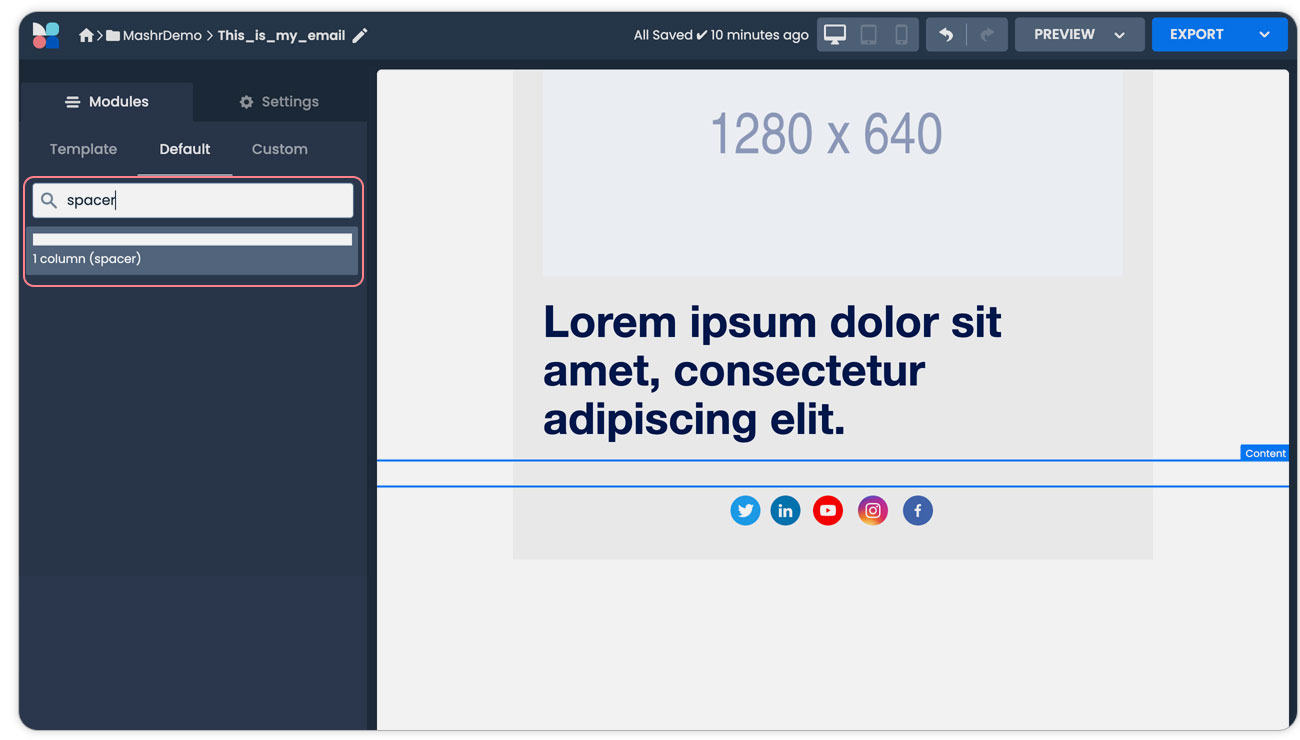
Simply search the module tab for ‘spacer’ and drag the module into the canvas in your desired location.
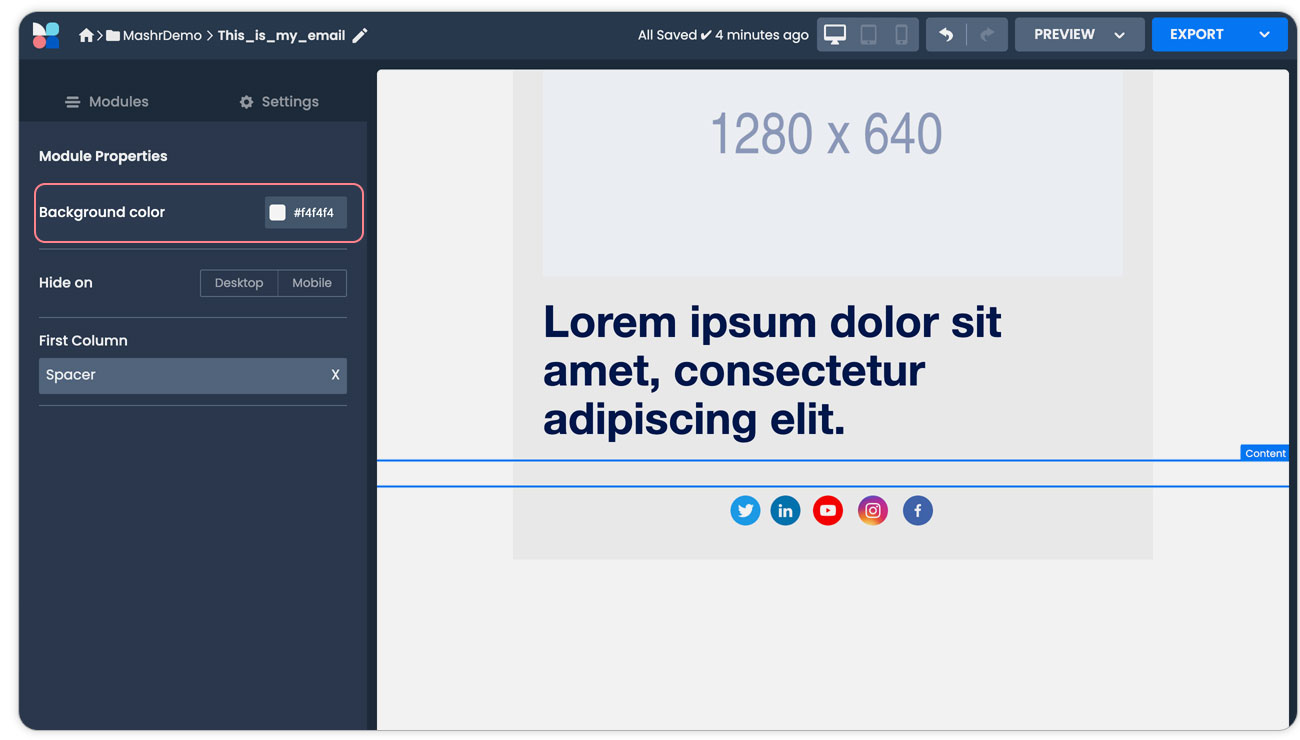
In the module properties, you can select the background colour as needed. This is useful when you want to visually ‘join’ modules together with the spacer.
Configuring the spacer
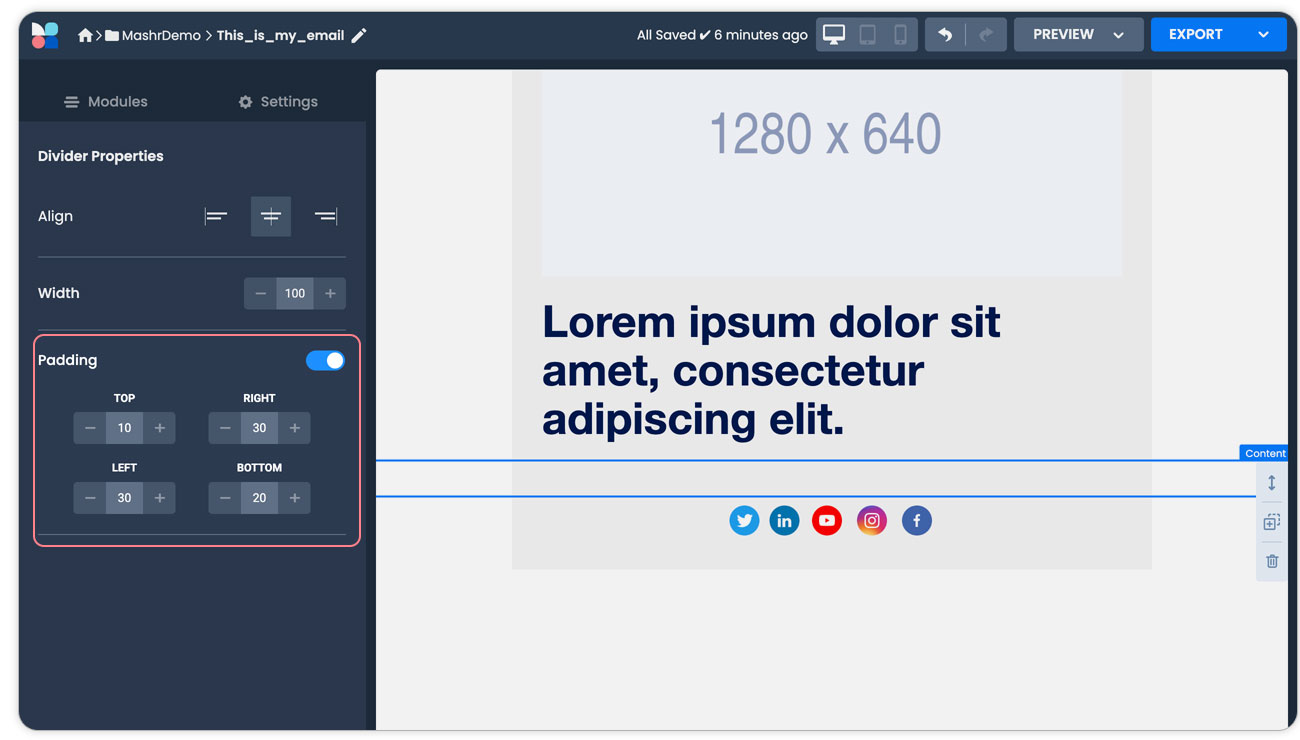
After adding the spacer module you can adjust the padding accordingly to fine-tune the space between modules.
JavaScript errors detected
Please note, these errors can depend on your browser setup.
If this problem persists, please contact our support.